

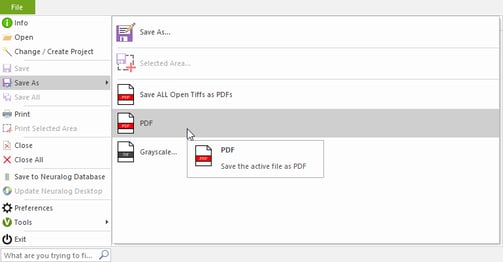
You can save the LAS file in NeuraView to a PDF format.
- Go to File -> Save As -> PDF
To save your LAS as a TIFF file do the following:
- Open LAS file
- Click on the stitch toolbar button
- The Image Edit/Stitch Workspace pop-up opens.
- Click OK. A blank Image Edit/Stitch Workspace will open
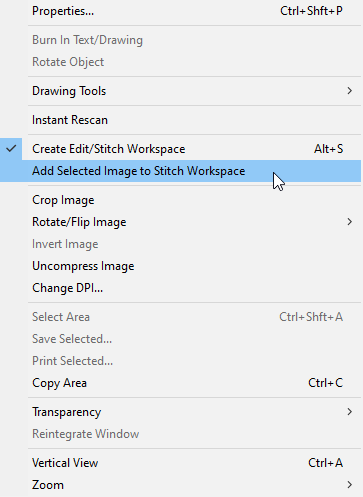
- Left Click on the LAS file and select Add Selected Image to Stich Workspace
- A dialog will pop up; select the "Top" square.
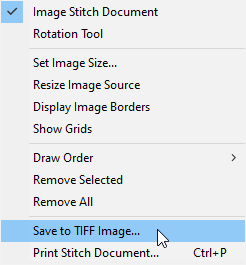
- The LAS Image will show up in the new window. Right-click on it and select "Save to TIFF Image"
- Save to your destination.