

Steps:
-
Open the printer drawer by pressing the compression latches on each side.
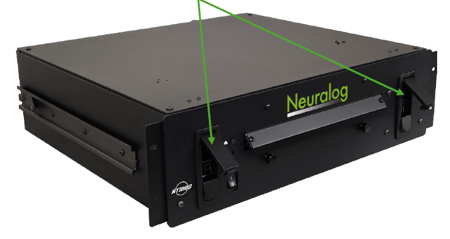
-
Verify that the green lever on the print engine is locked down.
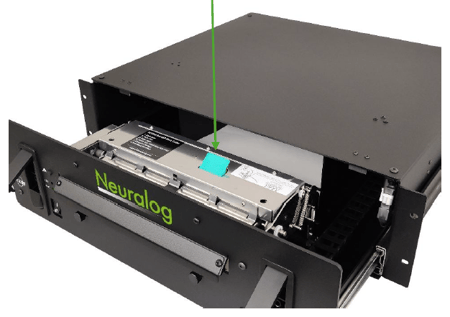
- Place a stack of Neuralog 800-sheet thermal paper (8.5” x 6.25”) into the paper tray.
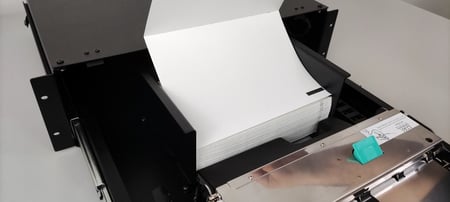
Important: Black marks should be on the right side, facing down.
4. Feed the paper under the silver roller bar and into the back of the print engine.
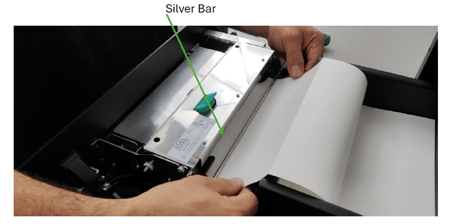
5. Close the drawer securely.
6. The paper will move slightly to auto-feed and align at Top of Form.
Alternate Paper Feeds:
-
Rear feed: For larger paper boxes or office setups.
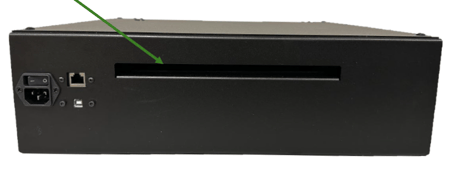
-
Bottom feed: Requires keeping the drawer open while in use