
Products:
- Callisto
- Sirius Label Printer
- NeuraScanner
Callisto
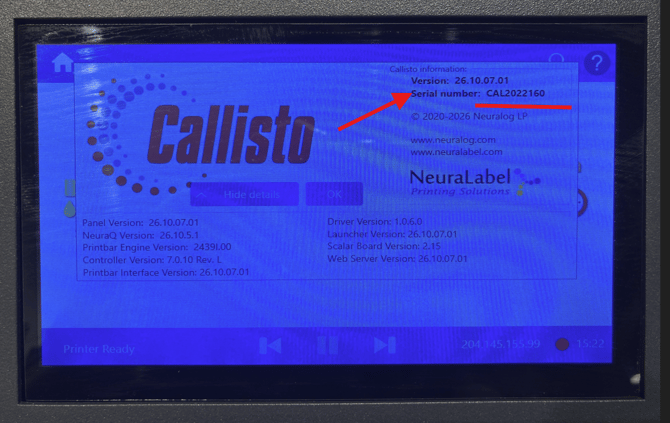
Callisto serial numbers begin with the letters CAL followed by a 7-digit number. There are two methods of finding it.
- On the back of the printer
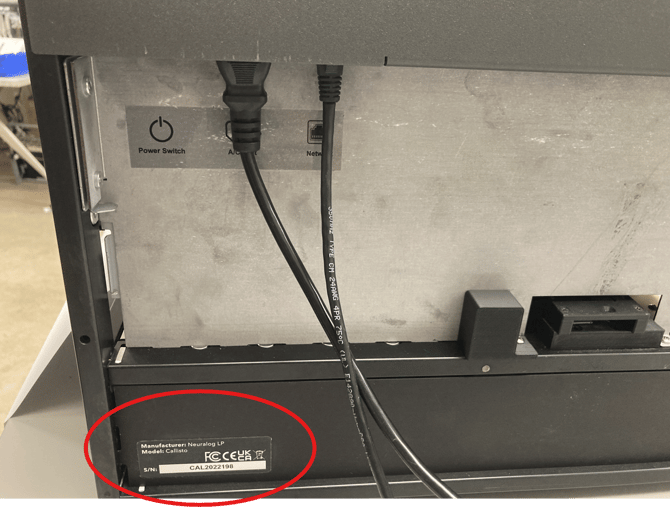 The serial number label is on the back side of the printer.
 - On the printer's operator panel
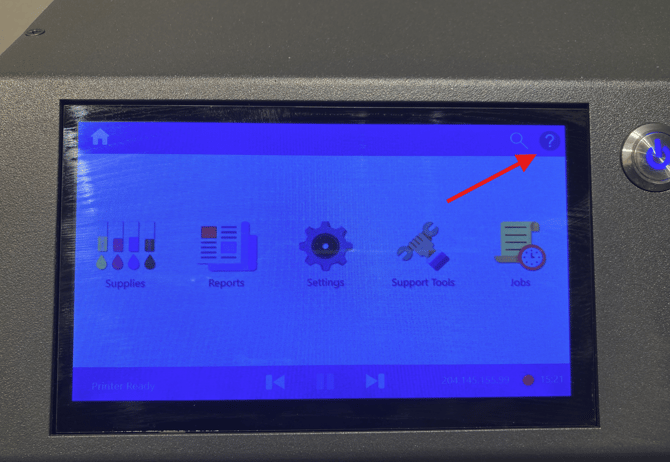 Tap the "?" symbol in the upper right corner of the display.
Sirius Label Printer
Sirius serial numbers are 12 characters long. They begin with the letters BV or AG and end with A0 or B0, for example AG9B000123A0. The serial number is on the label located inside the top of the printer, behind the toner cartridges shown below.
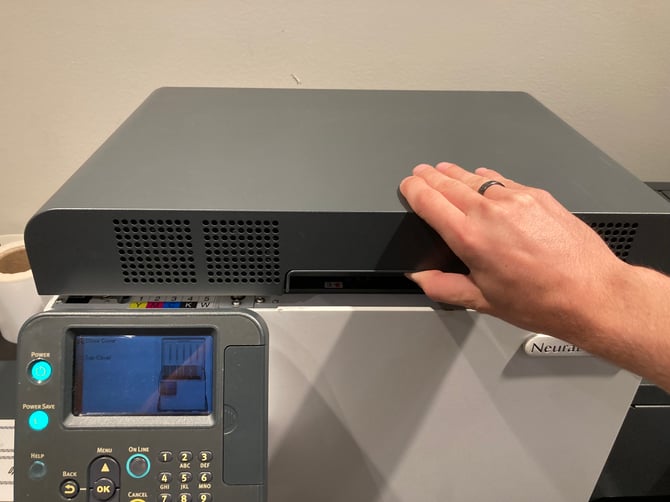
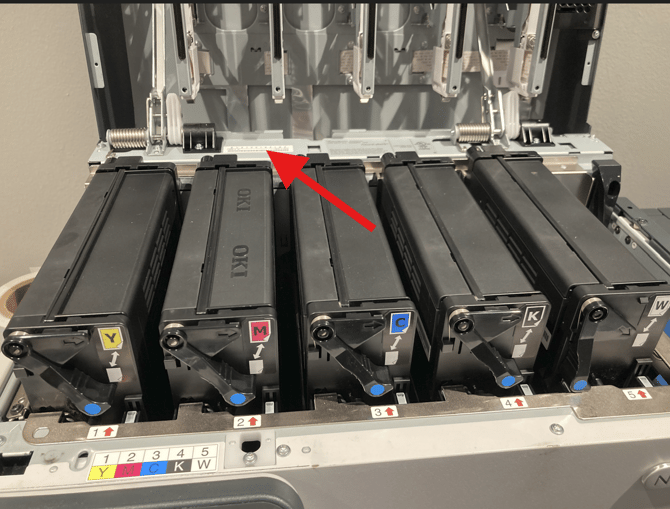
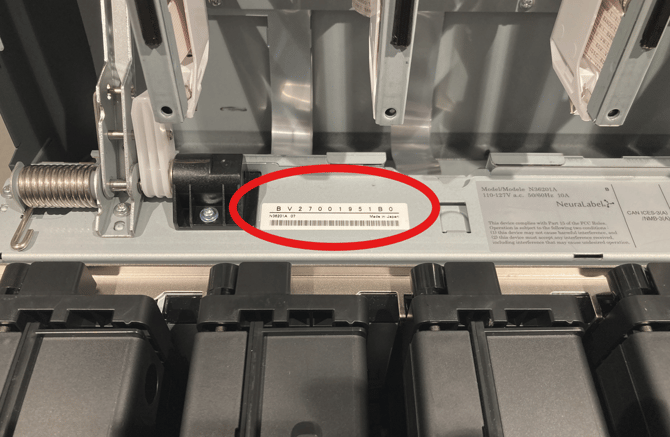
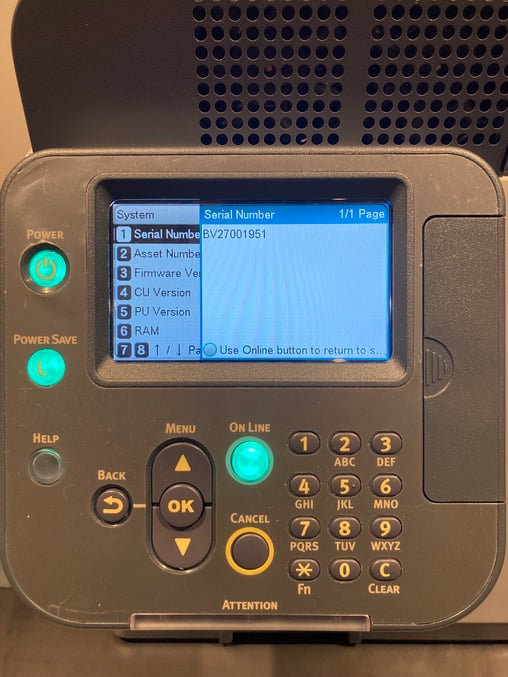
-You can also use the operator panel by navigating to
Configuration-->System-->Serial Number
NeuraScanner
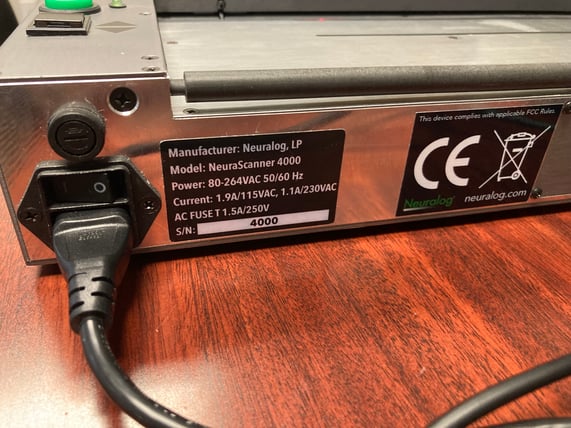
The serial number for the NeuraScanner is 4 digits long and is located on the back of the device near the power switch.