

NeuraView interfaces with your local or network printers in the same way as other desktop applications with print capabilities. NeuraView uses the standard Windows Application Interface (API) and will print to almost any printer driver.
You should make sure the latest available printer driver is installed on your machine. Drivers are downloadable through our website www.neuralog.com.
- Select the Print Panel.
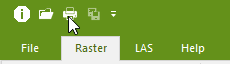
- You will see a pop-up list of all available printers.
- These printers and their drivers must be configured correctly to function properly. A system manager may be needed to perform this task.
- Once you have selected the printer you wish to use, hit the Properties button to configure the paper size, orientation, number of copies, etc. Note: These setting are printer/driver dependent.